01~30 seconds
Claim a username
Lock in endpointme.world/yourname before the clean handle is gone.
Hey there, meet endpointme,your signed, verifiable human API
endpointme turns identity, skills, status, and proof-of-work into a calm machine-readable surface — signed with your did:key and verifiable by any agent.
$ curl https://api.endpointme.world/aditya
{
  "username": "aditya",
  "headline": "Building human APIs",
  "open_to": ["freelance", "collab"],
  "status": { "availability": "Open to Collabs" },
  "skills": { "top": ["React", "Node.js"] },
  "_meta": {
    "did": "did:key:z6Mkr9xyz…",
    "signed_at": "2026-06-10T10:30:00Z",
    "signature": "7f3c9a8b2e…",
    "freshness": "active",
    "confidence": 0.94
  }
}V1 ships did:key + Ed25519 signing — no blockchain, no gas, no wallet. Agents get a verdict before they trust the JSON.
GET /aditya/verifyGET /verify?did=did:key:z6Mkr…POST /verify/batch$ curl https://api.endpointme.world/aditya/verify
{
"valid": true,
"did": "did:key:z6Mkr9xyz…",
"signed_at": "2026-06-10T10:30:00Z",
"freshness": "active",
"confidence": 0.94,
"proof_sources": {
"github": true,
"live_projects": 2,
"collaborator_attestations": 3
},
"verdict": "high_trust"
}Claim your handle, generate a DID, publish signed profile data, and let agents verify trust before they act on it.
Lock in endpointme.world/yourname before the clean handle is gone.
Your browser creates an Ed25519 keypair and a did:key identity. The private key stays local — only the public key hits our servers.
Add skills, projects, availability, and the signal you want machines to read. Every save is signed automatically.
Drop one link in bios, intros, and outreach. Responses include a _meta block with signature, freshness, and confidence.
Any agent queries /verify, checks the signature with pure math, and reads the verdict: high_trust, low_trust, or invalid.
Built around the same quiet retro interface language as the hero: black type, paper panels, thin borders, and small machine marks.
Publish your profile as clean JSON that people, apps, and agents can read.
Every profile is tied to a did:key — a cryptographic identity with zero blockchain overhead.
Each profile change is signed in your browser with Ed25519. Your private key never leaves your device.
Agents hit /verify endpoints or verify signatures locally — no trust-us-required API calls.
Show what you are open to, what you are busy with, and how quickly you reply.
Freshness and proof signals roll into a 0–1 score so agents know how much to trust the payload.
From AI research to hiring, intros, live status, and trust verification — structured profiles that apps and agents can query and validate.
Auto-scrolls · drag sideways to browse · hover to pause
 01
01Instead of scraping a messy portfolio site, an agent calls GET /aditya and gets clean structured data instantly. Useful for candidate research, personalized outreach, or matching people to opportunities — no hallucination from broken HTML.
GET /aditya 02
02Query for people actively looking to collaborate — no LinkedIn DMs into the void. You know upfront they're open and what they bring.
GET /search/humans?skills=ml,python&open_to=startup&location=Delhi 03
03Recruiters and startups query for exact skills plus availability instead of posting a job and hoping. Results include people who match — and projects that prove it, not just resume claims.
GET /search/humans?skills=kafka,distributed-systems&open_to=freelance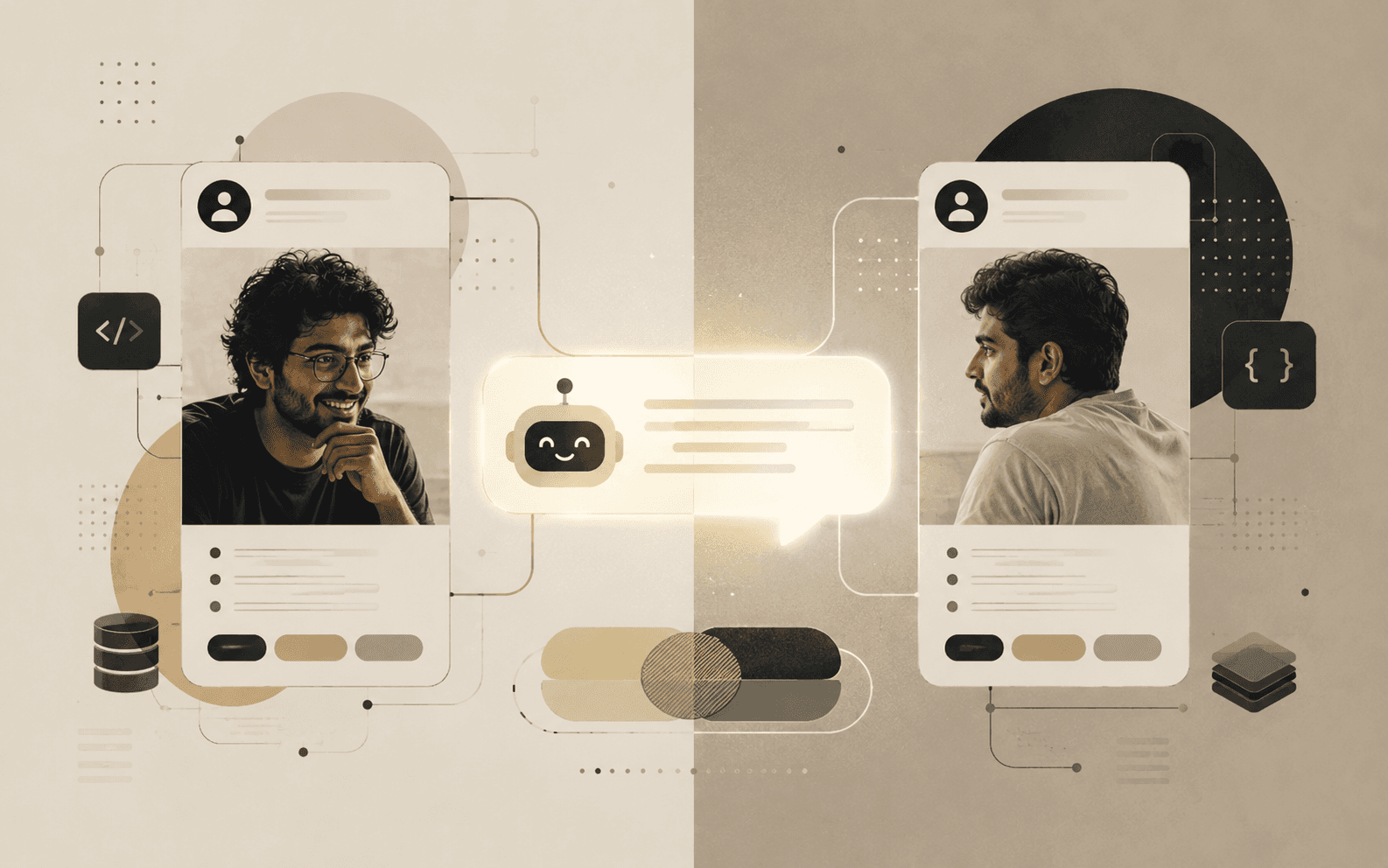 04
04A Slack bot or networking tool reads two people's endpoints, finds overlapping skills, complementary experience, and shared interests — then writes a hyper-personalized intro. Way better than "Hey, you two should talk!"
GET /aditya + GET /partner → intro draft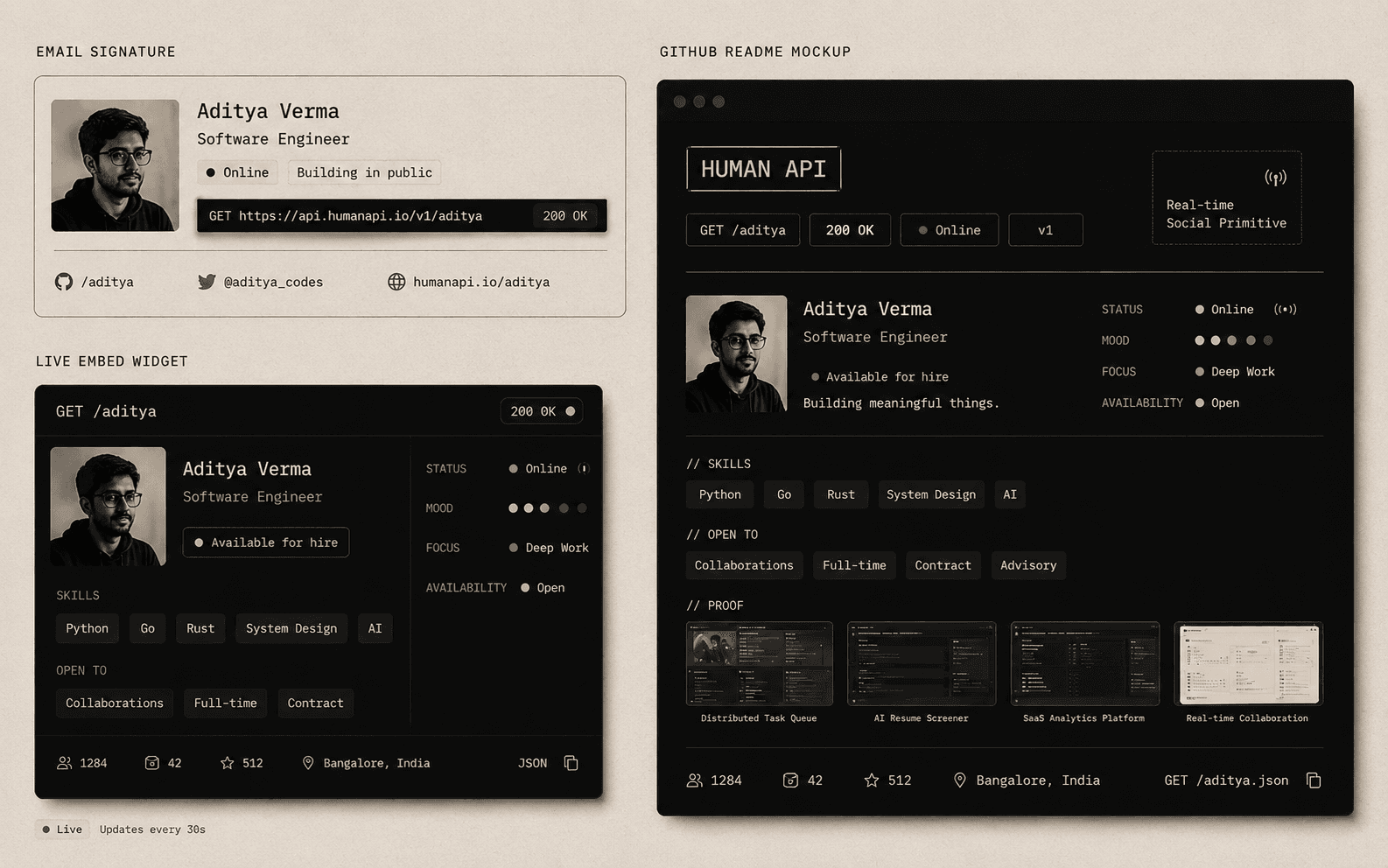 05
05Embed /:username/status in an email signature, Notion page, or GitHub README. Instead of a static "available for freelance" line that's two years old, it's a live badge — always real-time.
GET /aditya/status → "Focused | Open to: Collab | Learning: Rust" 06
06Before acting on profile data, an agent hits GET /aditya/verify or POST /verify/batch. It gets a verdict — high_trust, low_trust, or invalid — plus freshness and confidence. No blockchain, no wallet: pure Ed25519 math.
POST /verify/batch → { aditya: high_trust, rohan: low_trust }It can be, but the real product is the API-shaped version of you — signed, verifiable, and agent-ready.
A Decentralized Identifier. EndpointMe uses did:key — a simple, blockchain-free identity derived from your Ed25519 public key. No gas fees, no wallet, no chain.
In your browser's localStorage. It never leaves your device. We store only your DID and public key. Lose the browser key and you'll need to re-register — that's the V1 tradeoff.
Three ways: GET /:username/verify for a verdict, GET /verify?did=… to resolve by DID, or POST /verify/batch for pipelines. Agents can also verify the Ed25519 signature locally with pure math — no API call required.
Builders, freelancers, candidates, recruiters, teams, and agents that need structured human context they can actually trust.
Yes. The profile is designed around explicit, public fields instead of scraped guesses. Only visible data is included in the signed payload.